Godot 节点
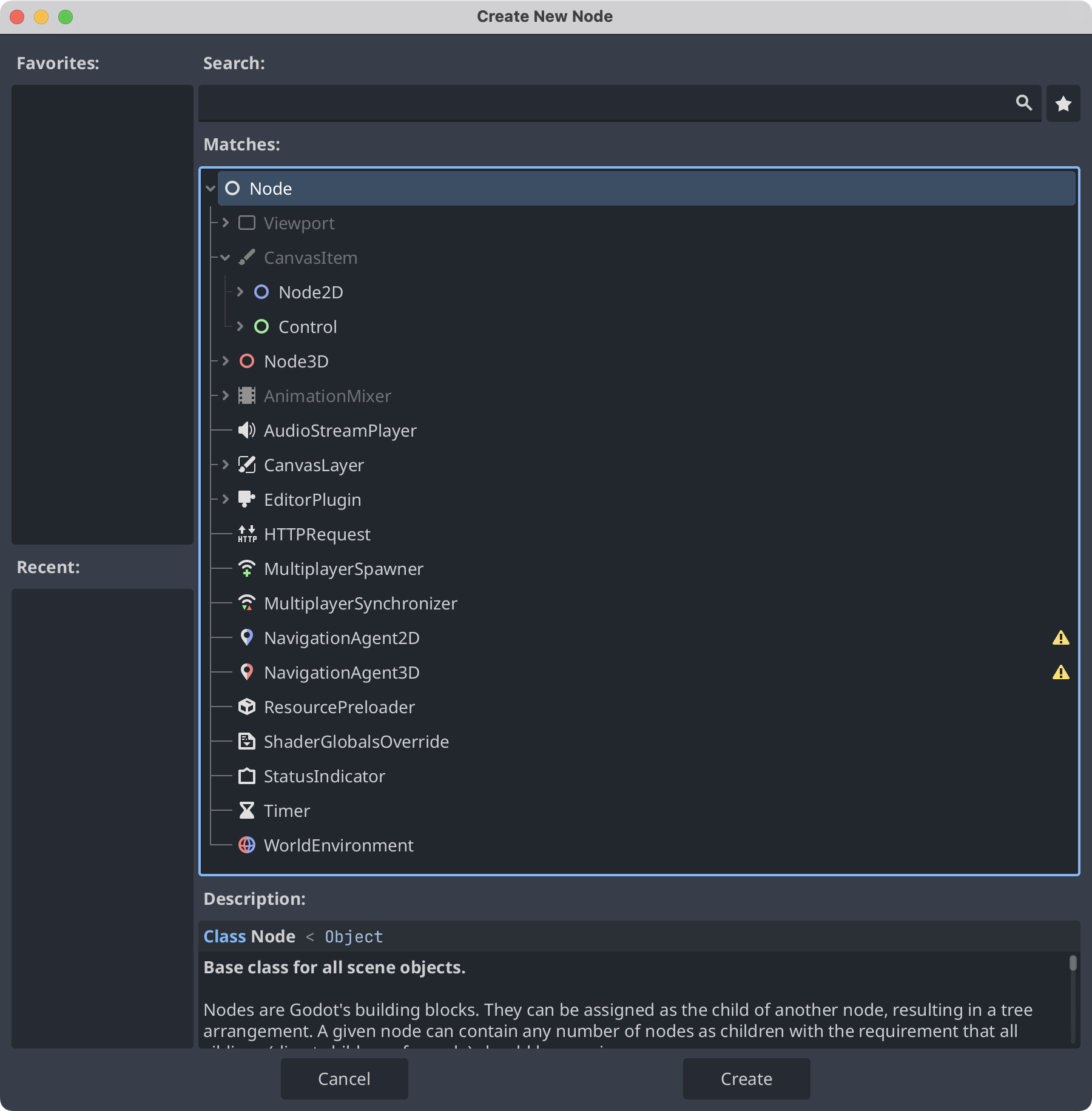
前文中我们提过,节点是构建场景的最小单元。不同的节点拥有不同的属性,他们可以实现不同的功能。通过 Create New Node 可以看到,根节点是 Node。在 Node 下有 CanvasItem 节点,他是 2D 空间下的抽象基类。Node2D 是 2D 游戏对象的父类,Control 是 UI 节点的抽象父类。我们研究的大部分节点,都是 Node2D 和 Control 的子类。
There are lots of inbuilt functions you will use, they all start with an
_.
_ready()is run when a Node is added to the node tree._process()is run on every frame of the game.
You can target other nodes in 2 ways:
get_node("node path")$node path
You can also give nodes a unique name. When you capture a node in code you can access their properties and call methods on them.
A major aspect of Godot is to make nodes communicate with each other.
1. Area2D
An area that can check if another body entered. Can be moved by changing the position.
Check if player entered a house, the lasers will be areas.
他是一个可以检查另一个物体是否进入的区域。
2. StaticBody2D
A static body that other bodies collide with. Not supposed to be moved.
Any static object: Walls, beds, obstacles…
3. RigidBody2D
Moving body that moves via physics(like a cannonball). Set an initial velocity.
The grenade
RigidBody2D has a gravity settings that is 1 by default. You can set physics behaviour in the inspector and additional options are set via a PhysicsMaterial.
And you are supposed to set a starting velocity, the movement is then influenced by physics.
4. CharacterBody2D
Moving body controlled by code. Inbuilt methods.
Any entity that is controlled by code: The player & all enemies.